• Coverage: Mainland China (excluding Hong Kong and Macau)
• Carrier: China Mobile

• Coverage: Mainland China (excluding Hong Kong and Macau)
• Carrier: China Mobile
[eSIM IP address]
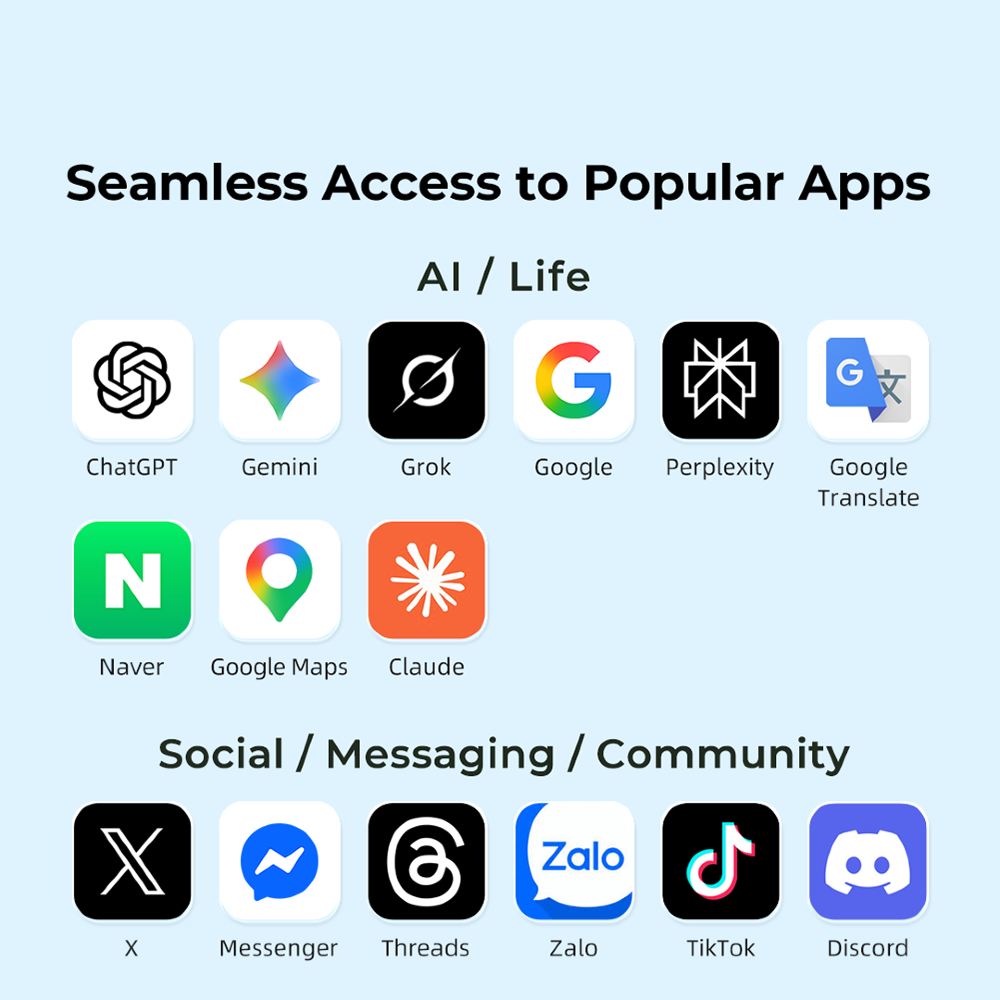
The eSIM will automatically adjust its IP address based on the application you are using.
• When opening an app from the Chinese mainland, it will use a Hong Kong IP address.
• When opening an app from outside the Chinese mainland, it will use a Singapore IP address.
TikTok compatibility notice
- iOS: TikTok app and web version are supported
- Android: TikTok app is not supported yet, only the web version is available
Notes:
• The service provider has enhanced compatibility with TikTok, but cannot guarantee that TikTok will work properly on all phones. Refund requests due to phone incompatibility with TikTok will not be accepted
• If iOS users encounter a TikTok app sign-in error: First, update the iOS system to the latest version, then uninstall and reinstall the TikTok app. If the issue persists, you can first access the TikTok web version through your mobile browser and sign in to your account. Once signed in successfully, switch to the app to continue.
• The service provider may stop supporting TikTok at any time without prior notice.



■ After arriving in a covered destination, please enable "Data Roaming" for the eSIM to access mobile data normally.
■ If you cannot access the internet, manually set the APN and try cmhk, cmlink, or bicsapn one at a time.
■ Troubleshooting
If you are unable to access the internet, please check the following:
1. The eSIM is set as the default mobile data line.
2. Data Roaming is enabled.
3. Turn Airplane Mode on and then off.
4. Manually switch the network operator.
5. Manually configure the APN.
■ Supports Multiple Installations
eSIM can be installed, deleted, and reinstalled up to 10 times on the same device.
Reinstallation is allowed within the validity period of the QR code (for unactivated eSIMs) or the data plan (for activated eSIMs). After expiration, reinstallation is not possible.
■ Important Notes for Renewal Service
1. Before You Purchase
• Separate Plans: The renewal order and the original order are treated as two separate plans. Data allowance and validity periods will not be combined.
• Device Restriction: Renewals can only be used on the original device where the eSIM is installed. If you plan to change phones, please purchase a new plan instead of a renewal order.
• How to Purchase: Please go to the original order page and tap the [Renewal] button.
• No Reinstallation Required: As long as the original eSIM has not been deleted from your device, the renewed plan will work automatically after activation.
2. Data and Validity Activation Rules
Please refer to the following rules based on the usage status of your original order.
Scenario 1: The original plan's high-speed data has not been used up, but the original plan has expired.
→ The renewal plan will automatically take effect after the original plan expires.
→ If you cannot access the internet, toggle Airplane Mode on and off.
Scenario 2: The original plan's high-speed data has been used up, but the original plan has not expired.
• Speed-Reduced Plans (Daily / Total Data Plans)
→ The renewal plan will not take effect automatically.
→ If you wish to use the renewal plan early, please contact the supplier's customer service to request early termination of the original order.
• Data-Disconnected Plans (Total Data Plans)
→ The renewal plan will automatically take effect.
→ If you cannot access the internet, toggle Airplane Mode on and off.
■ Network Performance
Actual signal strength, network speed, and 4G/5G service availability may vary depending on your location, the local carrier's network coverage, your device compatibility, as well as environmental factors such as terrain, buildings, and weather conditions.
■ Disable Domestic SIM Card Roaming
Before using an eSIM, make sure to turn off data roaming on your domestic SIM card to avoid incurring high international roaming charges. You will be responsible for any related fees, including roaming charges, overseas SIM card/eSIM purchase costs, and transportation expenses. No additional compensation will be provided.
■ Maintaining Fair Usage Policy
To maintain network quality and the Fair Usage Policy (FUP), telecommunications companies may throttle users who consume large amounts of data within a short period, leading to slower speeds or inability to connect. To ensure stable internet access, please avoid activities that consume excessive data, such as prolonged video streaming/downloading, software updates, or sharing your network (hotspot).