


 NO.1









Car Rentals
8% off Car Rental
New users only.
TRIPCAR8

By Trip.com
November 24, 2026
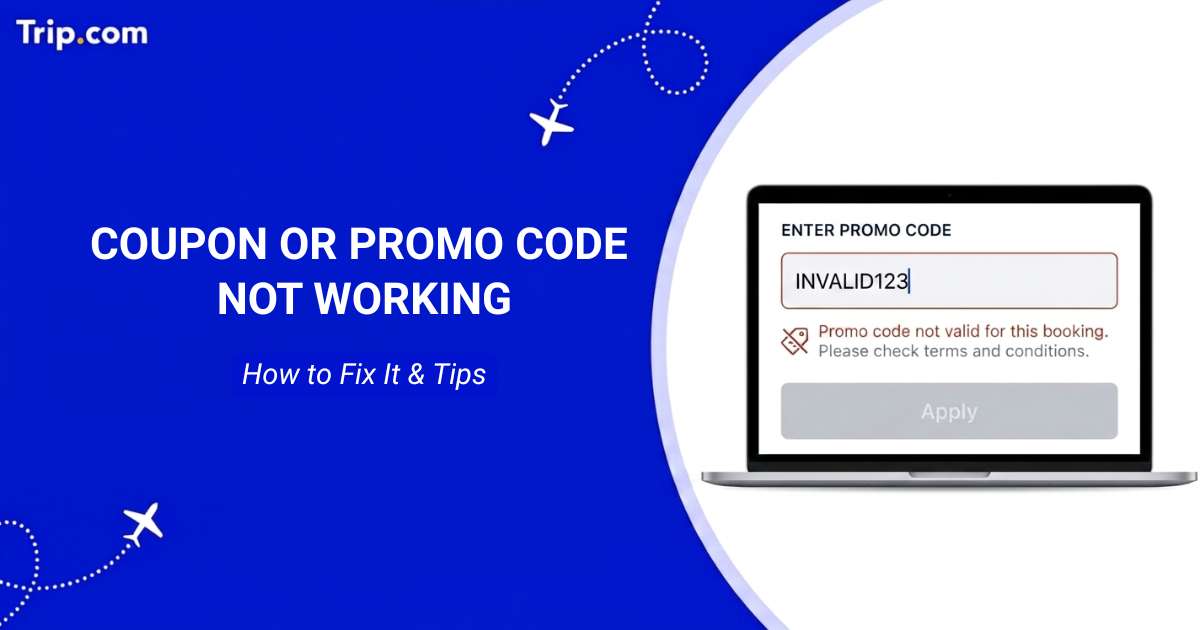
Trying to use a Trip.com coupon or promo code but it’s not working at checkout?
This can happen for a few reasons, such as expired promo codes, minimum spend requirements, booking restrictions, or limitations with your chosen payment method.
Whether you're booking flights, hotels or attraction tickets, it's always worth taking a quick peek at the coupon's terms and conditions before you give up on that discount.
In this guide, we’ll walk you through why your Trip.com coupon or promo code might not be working and share some handy tips to fix common redemption hiccups, so you can get back to enjoying those savings on your next adventure.

It’s all too easy to miss a coupon’s expiry date, especially when you’re hoping it’ll stay valid for just a little longer. However, do bear in mind that some Trip.com coupons have strict deadlines and can expire at midnight or based on a specific time zone. This means a coupon that was perfectly valid earlier in the day might no longer work if you try to redeem it after the clock strikes twelve.
How to fix it: Simply pop open the promotion page and double-check the coupon's expiry date and time before you book. It’s always a smart move to confirm your coupon is still good to go before you head to the checkout!
Some coupons require you to spend a minimum amount before you can enjoy the discount. For example, a coupon might offer £40 off when you spend £400, or require you to book a minimum number of nights. You might think you've reached the spending threshold, but the system may only count the room price and exclude taxes or additional charges.
How to fix it: Take a closer look at the coupon's terms and conditions and double-check your booking breakdown. See which charges count towards the minimum spend, and consider adding an extra night or choosing a higher-priced room to help you qualify.
Even the tiniest typo can stop your coupon from working. It’s easy to mix up similar-looking characters like 'O' and '0' or 'I' and 'l', which can lead to an invalid code. Also, double-check that there aren't any sneaky extra spaces before or after the code, as these can often cause errors too.
How to fix it: Try copying and pasting the coupon code straight from the original promotion instead of typing it out yourself. Before you apply it, just double-check that there aren't any sneaky extra spaces or incorrect characters hiding in there.
Not every Trip.com coupon can be used for every type of booking. Some promotions are exclusively for hotel stays or flight tickets, while others might only apply to specific travel products. If you try to use a hotel coupon when booking an attraction ticket or an airport transfer, it might not be accepted.
How to sort it: Take a quick peek to see which booking categories qualify for the promotion. Just double-check that your reservation ticks all the boxes for the coupon requirements before you pop in the code.
Some Trip.com promotions are available exclusively via the mobile app, while others are designed for website bookings. If you try to redeem an app-exclusive coupon on a desktop browser, it might result in an error, even if the code is still valid.
How to fix it: Check the promotion details to see whether the coupon is app-only or website-exclusive. If it's an app promotion, just open the Trip.com app and try again. For website-exclusive offers, simply complete your booking through a browser instead.
In most cases, Trip.com doesn't allow multiple coupons to be used in the same transaction unless the promotion specifically permits it. If another coupon has already been automatically applied to your booking, you might need to remove it before selecting a different discount.
How to sort it: Take a look at your booking summary to see if another coupon has already been applied. If you can't combine multiple coupons, just compare the available discounts and pick the one that gives you the best deal.
Some Trip.com coupons are released in limited quantities and are available on a first-come, first-served basis. Even if the coupon's stated validity period hasn't ended, it may stop working once all available redemptions have been claimed.
How to fix it: Try to redeem promotional coupons as early as possible, especially during major sales campaigns. If the coupon is no longer available, check the Trip.com promotions page for alternative offers or newly released coupon batches.
Coupon Type | Minimum Spend (Example) | Discount (Example) |
|---|---|---|
New Customer Coupon | From £34 | 5% off, up to £2 |
General Coupon | £56 and above | 5% off or up to £7 |
VIP Coupon / Premium Member | From £90 | 15% off or up to £18 |

Why not try a few simple troubleshooting steps before getting in touch with Trip.com customer support?
In many cases, simply checking the coupon details and correcting small errors can resolve the issue, so you won't need to wait for a response.
Here's what you can get up to:
Start by taking a quick peek at the coupon's terms and conditions.
You might find some important restrictions tucked away in the small print, such as:
Even if you copy and paste a coupon code, tiny formatting errors can still stop it from working.
Follow these handy tips to steer clear of common pitfalls:
If you've checked the coupon conditions and tried the troubleshooting steps above but the code still doesn't work, please contact Trip.com customer support for further assistance.
Depending on how urgently you need assistance, there are a few different ways you can get in touch:
When you get in touch with customer support, have your coupon code, booking details, and a screenshot of the error message ready so the team can help investigate the issue.
Channel | Details | Availability |
|---|---|---|
In-app Live Chat | Open the Trip.com app → Account → Customer Support → Start a chat with an agent. | 24/7 |
Phone Support | Give Trip.com's customer service hotline a ring. Head over to our official Help Centre to find the most up-to-date contact number for the UK. | 24/7 support |
Get in touch with our customer support team via the Help Centre to find the best way to reach us for your query. | Response times may vary | |
Website Help Centre | Head over to the Trip.com UK Help Centre for FAQs, booking support and online chat. | Available 24/7 |
Cheap flights from London

There are loads of different Trip.com coupons available, and each one comes with its own set of eligibility requirements.
Some discounts are valid only for hotel bookings, others are exclusively for flights, while certain promotions are reserved for new members.
It's well worth checking back regularly, as Trip.com frequently introduces new promotions.
Even if your current coupon isn't working, you might just find another discount that's perfect for your booking.
The Trip.com app features a dedicated promotions hub, making it super easy to browse all the latest coupons and special offers in one convenient spot.
Simply open the app and tap on "Special Deals" to discover all the latest promotions and upcoming offers.
This is especially handy if you've already set your travel dates. For instance, if you're planning a holiday for next month, you can easily check if there are any discounts available that fit your booking window.
Follow Trip.com on social media platforms like TikTok, Facebook and Instagram to keep up with all our latest promotions.
Keep an eye on our social media channels, where we occasionally share exclusive coupon codes and limited-time offers to help you plan your next adventure!
Some promotions might even unlock extra savings when you get involved, like following an account, sharing a post, or clicking on a promotional link.
Keep an eye on these channels so you don't miss out on any special deals.
Major shopping events like 11.11 and 12.12 are fantastic opportunities to hunt for extra travel discounts.
Keep an eye out for special promotions during festive periods too, such as Chinese New Year, Easter, and the year-end holiday season.
Check the promotional page as soon as each campaign kicks off, as some coupons are available in limited quantities and are snapped up on a first-come, first-served basis.
Top Hotels in London

In many cases, a Trip.com coupon fails due to small, easily overlooked issues. These might include an expired coupon, not meeting the minimum spend requirement, selecting an ineligible booking category, or entering the wrong promo code.
You might also be trying to redeem an app-exclusive offer via our website, which can sometimes stop that discount from being applied.
If you see a "Coupon Not Valid" message at checkout, don't give up just yet! Take another quick look at the coupon's terms and conditions to make sure your booking meets all the requirements.
The coupon might still be valid, but you may just need to tweak how you're using it.
Some promotional coupons are available in limited quantities only. Once all the allocated coupons have been snapped up, you may no longer be able to use that particular offer, even if the promotion period hasn't yet come to an end.
The great news is that Trip.com regularly rolls out fresh promotions throughout the year, including festive discounts, seasonal offers, and exclusive deals just for members.
If your current coupon is unavailable, why not head back to the promotions page or check the app for other discounts that might offer even better savings?
If you've tried all the troubleshooting steps but your coupon still doesn't work, contacting Trip.com customer support through Live Chat may help.
Our support team can check the validity of your coupon, review the eligibility requirements and help you figure out why the discount isn't being applied.
If the issue is down to a technical glitch, our team can also guide you on the next steps or suggest some handy alternatives.
Instead of playing the guessing game, reaching out directly to our customer support team can save you precious time and help you find the perfect solution.