Hotels: Save up to 10% (Book online or on Mobile)
Homes & Apts: Save up to £39 (App-only deal)

By Tina
November 6, 2026
Travelling to China also means disconnecting from a large part of the internet as we know it in the West. The fact is that Google, Instagram, WhatsApp and many other platforms are blocked there, so checking Gmail or accessing your social media can be a bit complicated.
Luckily, there are alternatives for accessing Google in China, and if you'd like to know what they are, keep reading.

In mainland China, Google is blocked, as are Gmail, YouTube and other apps we use every day. This is due to the Great Firewall of China, a system that restricts access to many foreign platforms.
That said, some international eSIMs and roaming connections do allow you to use these services. And if you can't get access, don't worry, because China has its own alternatives, some of which are even more useful for getting around the country.
Service | Does it work with local Chinese internet? | Alternatives in China |
The search engine is blocked. | Bing, which allows you to search without needing a VPN. | |
Gmail | You won't be able to check your emails as usual. | Outlook or QQ Mail, to use an email account that's accessible from China. |
Google Maps | Your access is restricted. | Amap or Apple Maps, much more practical for checking routes, stations, and directions. |
Google Translate | The online version may not work. | Baidu Translate or Pleco, which are especially useful for translating Chinese. |
YouTube | You won't be able to access it as usual. | Bilibili or Douyin, featuring videos, tutorials, and local content. |
WhatsApp and Facebook | Both are blocked. | WeChat, which is also used to contact businesses and make payments. |
Uber | Does not operate in mainland China. | DiDi, with options to request cars and pay from your mobile. |
One of the most convenient ways to use Google in China is to get an international eSIM. And the great thing is that, if you choose one that is compatible with blocked services, you'll be able to access Google, check Gmail, or use WhatsApp without installing an additional VPN.
That said, not all eSIMs work the same way. Some offer internet access via international connections, while others are subject to China's usual restrictions. So, it's worth checking before you buy.
It's fairly straightforward, but I’d recommend installing the eSIM before you leave the UK. That way, you save yourself the hassle of setting it up as soon as you land, when you don't even know how the airport Wi-Fi works yet.
By the way, installing and activating an eSIM isn't always the same thing. Some plans start counting the days from installation, while others start from the first connection. Take a look at the terms and conditions so you don't use up part of your allowance before you even arrive.
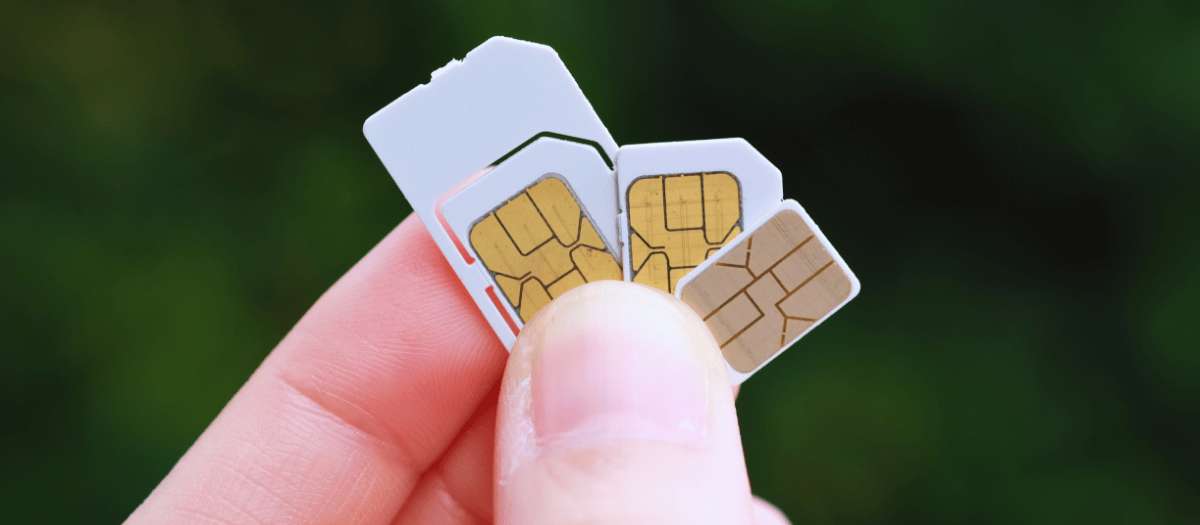
The explanation is simpler than it seems. Some international eSIMs use Chinese networks to provide coverage, but they manage your internet connection via other locations, such as Hong Kong or Singapore.
And that is the difference. By accessing the internet via a compatible international connection, you can access services that are normally blocked on local networks. That is why Google can work without a VPN when you use data from certain eSIMs.
However, there is one detail that is often overlooked. If you arrive at your hotel and switch from mobile data to their Wi-Fi, Google, Gmail or WhatsApp might stop working. It’s not that your eSIM has broken, but rather that you are now using a local connection subject to different restrictions.
🎁 Search for cheap flights to China and book the best hotels in China. Stay connected during your trip with an eSIM for China and keep your bookings with you using the Trip.com app.
You can also access Google in China with a VPN, although this option does come with a few complications. Basically, a VPN connects your device to an external server and can allow you to open pages that are normally blocked, such as Google, Gmail, or YouTube.
The problem is that VPNs don't always work in China. Some work fine for a few days and then stop connecting, so it's worth doing your research before signing up for one. Also, their use is subject to Chinese regulations.
If you're going to use one, we recommend getting everything ready before you leave.
💡 And a tip: don't rely solely on a VPN. If it stops working in the middle of your trip, a compatible international eSIM can save the day without having to scramble for last-minute solutions.
If you've already tried everything, then the problem isn't with your eSIM; you might need to check your apps individually and even your VPN.
Depending on the issue you're having, you can try these solutions.
Problem | Things to do |
Google isn't loading | Check whether you are using the hotel Wi-Fi or data from a compatible international eSIM. |
Your eSIM doesn't allow you to open Google | Check the plan conditions. Not all eSIMs offer access to blocked services. |
Gmail works on mobile data, but not on Wi-Fi | Switch back to your eSIM data. The hotel network may have restrictions. |
The VPN cannot connect | Try the options recommended by the provider and check for any recent issues. |
Google Maps is showing some strange routes | Use Amap or Apple Maps to check directions and routes. |
You can't sign in to Google | Try another verification method, such as Google Authenticator or a backup code you've prepared beforehand. |
By the way, if Google works on mobile data but stops working when you connect to Wi-Fi, you’ve got a pretty clear clue. Before you go changing passwords or reinstalling apps, try a different connection. Often, that’s where the problem lies.
Cheap Flights to China from the UK
Before heading off to the Asian giant, there are a few things you absolutely must prepare.
✈️ Book your flight + hotel to China at the best price on Trip.com
 NO.1